
POS Integration Guide for UK Restaurants: Square, Lightspeed and More (2026)
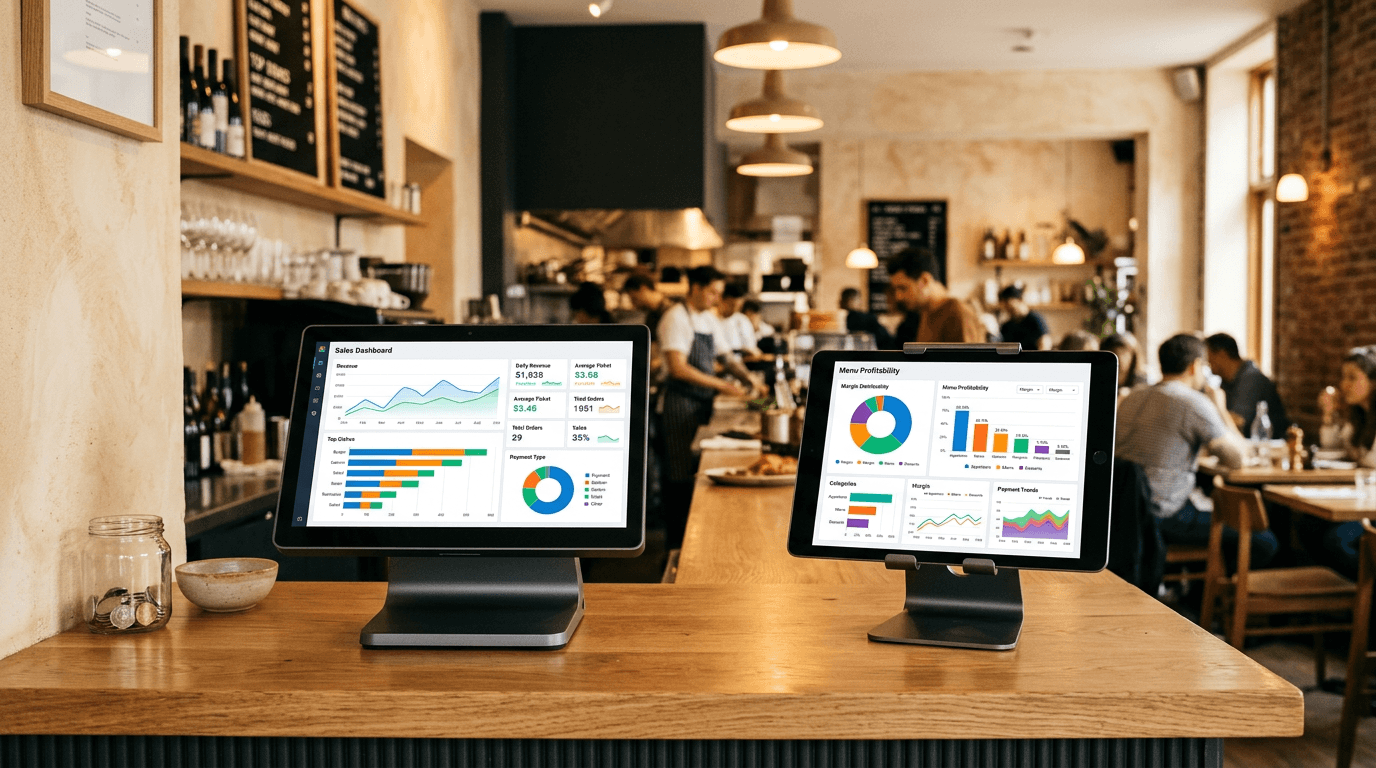
Your POS system knows more about your business than you think.
It knows what you sell, when you sell it, how often, and for how much. It knows which items fly on Saturdays and which die on Tuesdays. It knows your average transaction value by time of day.
Most operators use about 10% of this data. They check the daily total, maybe glance at the top sellers, and move on. The sales data sits there, unused, while food cost decisions are made by gut feel.
POS integration - connecting your till system to your food costing, menu engineering, and accounting tools - is what turns that dormant data into something actionable. Here's how it works for UK cafés, coffee shops, and restaurants in 2026.
Why POS Integration Matters
On its own, your POS tells you what you sold and for how much.
On its own, your food costing tool tells you what each item costs to make.
Together, they tell you what you actually earned on each item.
That's the difference between knowing "we sold 80 flat whites today" and knowing "we sold 80 flat whites today at £2.42 profit each, contributing £193.60 to gross profit, and it's our second-highest margin item after the almond croissant."
The second version changes decisions. You promote different items. You price differently. You spot problems weeks earlier.
The UK POS Landscape
Here are the main POS systems you'll find in UK independent cafés, coffee shops, restaurants, and pubs:
Square
Cost: Free for basic (transaction fees: 1.75% in-person) Best for: Independents wanting a low-cost, modern POS Integration ecosystem: Excellent API, strong third-party integration support
Square has become the default POS for independent UK cafés and coffee shops. The hardware is affordable, the software is free (you pay on transactions), and the reporting is clean. Most importantly for integration, Square's API is well-documented and widely supported. If you're on Square, our free Square Category Analyser lets you see how your sales break down before committing to any integration.
Integrates with: Jelly, Brikly, Xero, QuickBooks, and many others
Lightspeed
Cost: From £59/month Best for: Restaurants wanting hospitality-specific features (table management, floor plans, modifier workflows) Integration ecosystem: Good, with a growing UK partner network
Lightspeed Restaurant is built for hospitality rather than retail. The table management and kitchen display features are strong. More expensive than Square but purpose-built for full-service restaurants and larger café operations.
Integrates with: Jelly, Xero, MarketMan, various UK accounting tools
ePOSnow
Cost: From £25/month Best for: UK-based operators wanting a local POS provider with good support Integration ecosystem: Decent, particularly for UK-specific tools
ePOSnow is a UK company, which means UK-specific features (VAT handling, UK payment integrations) tend to work well out of the box. Their app store has a reasonable selection of integrations.
Integrates with: Jelly, Xero, Sage (via third-party), various UK tools
Toast
Cost: From £69/month Best for: Full-service restaurants wanting an all-in-one hospitality platform Integration ecosystem: Growing in the UK but still more US-focused
Toast is expanding into the UK market. It's a complete restaurant management platform with ordering, payments, and kitchen management. The integration ecosystem is maturing for UK operators.
Integrates with: Jelly, Xero, MarketMan
Clover
Cost: Varies (often bundled with payment processing) Best for: Small operators looking for affordable hardware Integration ecosystem: Limited compared to Square
Clover is often offered through payment processing deals. The hardware is decent but the integration ecosystem is thinner than Square's.
What POS Integration Actually Enables
1. Real-Time Gross Profit by Item
This is the headline feature. When your POS sales data meets your recipe cost data, you can see gross profit per item, updated live.
Without integration: You know food cost percentage from your last recipe costing exercise (which might be months old). You assume it's still accurate. It probably isn't.
With integration: As invoices update your ingredient prices and sales data flows from your POS, your gross profit per item is always current. When your dairy supplier puts prices up, you see the margin impact on every item that uses dairy - today, not at the next quarterly review.
2. Menu Engineering
Menu engineering requires both sales popularity and contribution margin. Your POS provides the popularity data. Your food costing tool provides the margin data. Integration combines them into the classic star/plowhorse/puzzle/dog matrix - we compare the tools that do this in our menu engineering software guide.
Without integration: You export a CSV from your POS, manually match it to your recipe costs in a spreadsheet, and do the analysis once a quarter if you're disciplined.
With integration: The analysis is continuous. When a menu item shifts from "star" to "plowhorse" because ingredient costs rose, you see it in real time.
3. Sales Mix Impact on Total GP
Your overall gross profit isn't just about individual item margins. It's about the mix of what you sell. A shift in sales mix - more low-margin items, fewer high-margin items - can drop your total GP even if individual prices haven't changed.
POS integration makes this visible. You can see whether this week's GP dropped because of ingredient cost changes, sales mix changes, or both.
4. Modifier and Add-on Analysis
This is where POS integration gets genuinely powerful - and where most basic reporting falls short.
Your POS knows that 40% of flat white orders swap to oat milk (£0.30 extra cost, maybe no price uplift) and 35% of burger orders add bacon (£0.90). Without integration, your recipe cost for each item is the base recipe. With integration, you see the actual margin including the real modifier mix.
How to Set Up POS Integration
Step 1: Check Compatibility
Before anything else, verify that your POS and your food costing tool actually integrate. This sounds obvious, but "we integrate with major POS systems" in marketing copy sometimes means "we integrate with Square and nothing else" - which is fine if that's what your café runs, but worth checking.
Current compatibility:
| Food Costing Tool | Square | Lightspeed | ePOSnow | Toast |
|---|---|---|---|---|
| Brikly | Yes | Planned | Planned | Planned |
| Jelly | Yes | Yes | Yes | Yes |
| MarketMan | Yes | Yes | Limited | Yes |
Step 2: Map Your Menu Items
Your POS menu and your recipe list need to match. If your POS calls it "Eggs Benny" and your recipe system calls it "Eggs Benedict with Hollandaise", the integration can't match them automatically.
Most tools provide a one-time mapping interface where you connect POS items to recipes. Spend 30 minutes getting this right up front - it saves hours of confusion later.
Step 3: Handle Modifiers
Decide how you want to track modifiers. Options usually include:
- Ignore modifiers - Use base recipe cost only (simple but less accurate)
- Track modifier costs - Add the cost of each modifier to the base recipe when calculating margins (more accurate, more setup)
- Track modifier costs and revenue - The full picture, showing both the extra cost and extra revenue from each modifier
For most independent cafés and restaurants, tracking the cost of high-impact modifiers (protein add-ons, oat milk swaps, premium pastry upgrades) and ignoring low-impact ones (sauce choice, garnish preference) is a practical middle ground.
Step 4: Set Your Review Cadence
POS integration gives you continuous data. That doesn't mean you need to check it continuously. Set a rhythm:
- Daily: Glance at total GP vs target. 30 seconds.
- Weekly: Review the top and bottom 5 items by margin. 10 minutes.
- Monthly: Full menu engineering review. Identify items that have shifted categories. 30 minutes.
Common Pitfalls
Modifier mapping gaps. If your POS has 200 modifier combinations and you only mapped 20, your margin data will be inaccurate for 90% of orders. Start with the high-volume modifiers and expand.
Stale recipe costs. POS integration is only as good as your cost data. If your recipe costs haven't been updated since January, your "real-time" margin dashboard is showing stale margins with current sales. Connect your invoices to your recipe costs first, then add POS integration.
Over-checking. Daily GP will fluctuate. A bad Tuesday doesn't mean your menu is broken. Look at weekly trends, not daily noise.
Ignoring the insights. The most common outcome of POS integration is this: the operator sets it up, sees the data, finds it interesting, and changes nothing. The data is only valuable if you act on it. If three items are consistently low-margin, change them.
Getting Started
If you're not currently connecting your POS to your food costing:
-
Start with what you have. Most POS systems can export sales data as CSV. Even a monthly export matched to your recipe costs in a spreadsheet gives you basic menu engineering data.
-
Prioritise cost accuracy first. There's no point connecting POS data to recipe costs if the recipe costs are wrong. Get your top 20 recipes costed accurately, then add the POS layer. Our food costing software guide covers the best options for getting this right.
-
Choose tools that integrate natively. If you're evaluating food costing software for your café or restaurant, POS integration should be a selection criterion, not an afterthought. Check which POS systems each tool supports before signing up. And make sure your accounting software integrates too - the real value comes when POS, costing, and accounting all talk to each other.
Our free Menu Profit Simulator lets you model menu profitability without any POS integration - manually enter your items, costs, and sales volumes to see the menu engineering matrix in action.
Ed O'Brien has run Hunters Cake Company for 17 years across cafés in Witney, Burford, and a bakery in Carterton, Oxfordshire. He's building Brikly - modular tools that give independent café owners the same data the big chains have, without the big chain price tag.